Buying Guides
The Easy Way to Choose Art You'll Never Get Tired Of
The best art is art you'll love for years. Here's the easy way to choose art you'll never get tired of—simple rules for timeless art selection.
9 min read
You don't need to be a print expert to evaluate quality. Learn simple, visual ways to assess print quality without needing technical knowledge or professional training.
The No-Expert's Guide to Evaluating Print Quality
You want to buy quality art prints, but you're not a print expert. How do you know if a print is good quality? Here's a simple guide to evaluating print quality without needing technical expertise.
Quality prints:
Poor quality prints:
The difference: Quality shows. Poor quality shows too.
You can assess quality by looking:
No technical knowledge needed: Your eyes can judge quality.
Look at the print and ask:
If yes to all: It's likely good quality.
Good quality shows:
Poor quality shows:
Look closely at:
The test: If you can see details clearly, it's sharp. If details are lost, it's not.
Good quality shows:
Poor quality shows:
Look at colors:
The test: If colors look good and natural, quality is likely good. If colors look off or faded, quality may be poor.
Good quality materials:
Poor quality materials:
Feel and look at materials:
The test: If materials feel and look good, quality is likely good. If they feel cheap, quality may be poor.
Good presentation:
Poor presentation:
Look at presentation:
The test: If presentation is professional, seller cares about quality. If presentation is poor, quality may be poor too.
What it is: Image looks blocky, like it's made of squares
How to spot: Look closely—do you see squares or blocks? That's pixelation.
What it means: Image resolution is too low, or print is too large for resolution.
Quality check: Good prints shouldn't show pixelation when viewed at normal distance.
What it is: Colors look dull, washed out, or faded
How to spot: Do colors look vibrant or faded? Faded = problem.
What it means: Poor inks, poor materials, or poor printing process.
Quality check: Good prints should have vibrant, accurate colors.
What it is: Fine details are lost, image looks muddy
How to spot: Can you see fine details clearly? If not, detail is lost.
What it means: Poor resolution, poor printing, or poor materials.
Quality check: Good prints should show clear details.
What it is: Image looks soft or blurry, not sharp
How to spot: Is image sharp and clear? If blurry, that's a problem.
What it means: Poor focus, poor resolution, or poor printing.
Quality check: Good prints should be sharp and clear.
What it is: Materials feel cheap, flimsy, or unprofessional
How to spot: Do materials feel substantial and professional? If cheap, that's a problem.
What it means: Low-quality materials won't last or look good.
Quality check: Good prints should use quality materials.
Ask sellers:
Sellers should answer: If they can't or won't, that's a red flag.
Watch out for:
The rule: If something seems off, it probably is.
Look for:
The rule: Good sellers show quality and stand behind it.
Check:
If all checked: Quality is likely good.
Evaluating print quality without expertise:
Red flags:
Green flags:
Remember: You don't need to be a print expert to evaluate quality. Your eyes can judge sharpness, colors, details, materials, and presentation. Ask simple questions. Check reviews. Trust what you see. Good quality shows. Poor quality shows too.
Your eyes, your judgment, your quality check.
The best art is art you'll love for years. Here's the easy way to choose art you'll never get tired of—simple rules for timeless art selection.
Art buying doesn't have to be complicated. Here's how to choose simple, beautiful art without overthinking—straightforward advice for people who want great art without the analysis paralysis.
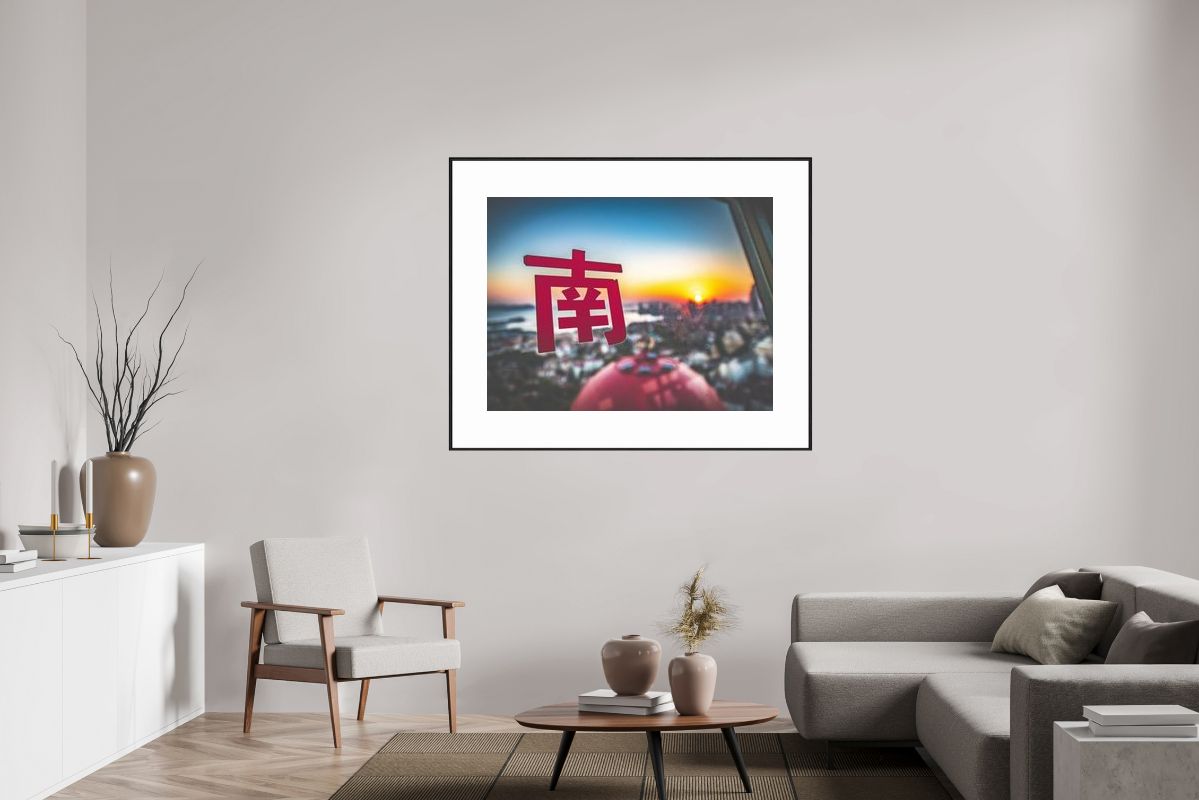
Galleries aren't the only place to buy art. Here's a direct, honest guide to buying landscape art directly from artists, online, and through other channels—without gallery markup or intimidation.